Support
How Online Stores Can Automate Refunds Under a Set Limit
How to automate ecommerce refunds safely: write a clear policy, set a refund limit, let an AI employee settle small claims, and keep the rest for you.

· 5 min read
TL;DR
Online stores can automate ecommerce refunds safely by combining a clear written refund policy with a hard limit: an AI employee checks each request against the order and the policy, settles refunds under the limit on its own, and sends anything bigger, unusual or angry to the owner with a summary. On Fless, you describe that in one sentence, start from the Refund & Support Specialist, and test it on real past requests in practice mode.
Every Monday morning, Moji opens the shop's inbox to the weekend's refund requests. Most of them look like this:
- "The mug arrived chipped, photo attached."
- "Ordered the wrong size, can I return it?"
- "Parcel says delivered but it's not here."
- "Can I get a refund on the candle? Didn't like the scent."
Each takes five to ten minutes: find the order, check the date, check the policy, check the payment, issue the refund or credit, reply, update the spreadsheet. Twenty of them is half of Monday. And customers who wrote on Saturday have been waiting two days for an answer to a £12 problem.
Small refunds are a big share of support work for online stores. This guide shows how to automate ecommerce refunds safely: settle the small, clear-cut ones quickly and consistently, and keep the large, unusual and emotional ones for a person.
Why refunds are perfect for automation (with limits)
- Most are small and rule-based. Damaged item, wrong size, within the return window.
- Speed matters. A fast, fair refund often keeps a customer who would otherwise leave a bad review.
- The steps are always the same. Find the order, check the policy, act, reply, record.
- Mistakes are bounded. With a limit, the worst case is a small, known amount.
And why limits matter: refunds are money leaving your business. Without a ceiling, a typo, a misunderstanding or a bad actor can cost far more than the time you saved.
Step zero: write your refund policy down
Automation can only apply a policy that exists in writing. Before anything else, answer these:
| Question | Example answer |
|---|---|
| How long is the return window? | 30 days from delivery |
| What qualifies for a refund? | Damaged, faulty, wrong item, or unused and in original packaging |
| What evidence is needed? | A photo for damaged or faulty items |
| Refund, exchange or store credit first? | Offer an exchange or store credit; refund if the customer prefers |
| Who pays return postage? | We do for faults; the customer does for change of mind |
| What is not refundable? | Personalised items, sale items marked final |
| What is the automatic limit? | Under £50 |
Put this in the Knowledge base. It becomes the rulebook the AI employee follows.
How to set it up on Fless
Step 1: Describe the job in one sentence
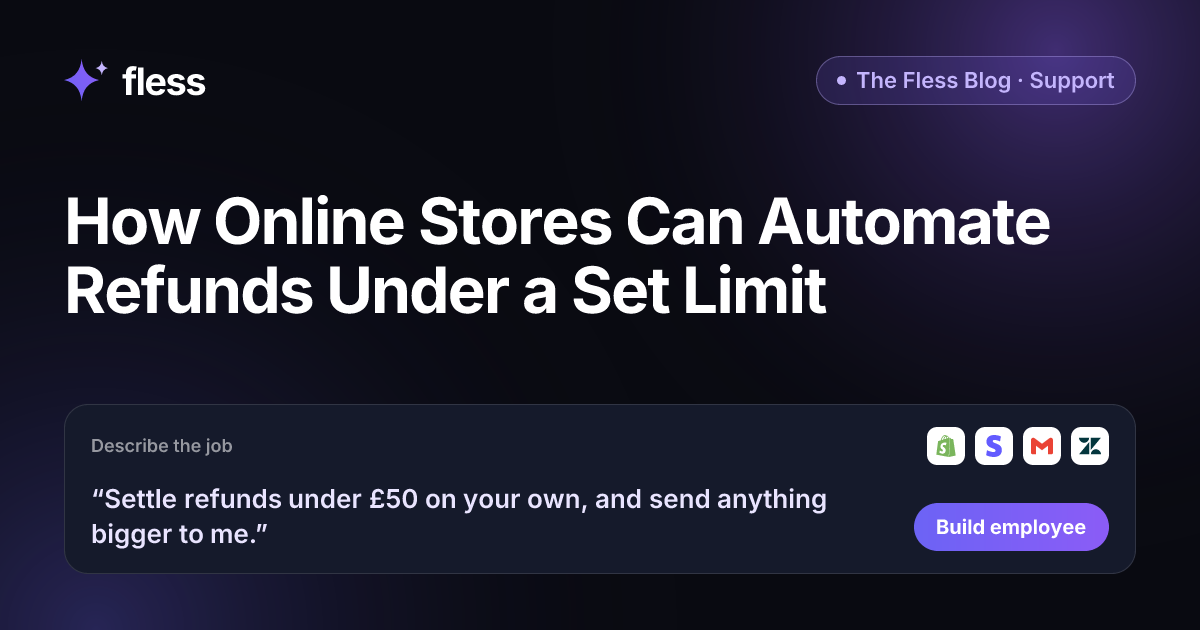
“Settle refunds under £50 on your own, and send anything bigger to me.”
That sentence sets the authority (settle refunds), the limit (under £50) and the escalation (anything bigger goes to Moji). Fless works through Describe → Set up → Connect → Test → Go live, and shows each stage: understanding the job, designing the employee, picking apps and approvals, writing test conversations and checking it is safe.
Step 2: Start from the Refund & Support Specialist
Fless has a ready-made Refund & Support Specialist with a small team inside: triage, resolver and escalation. Out of the box, it answers order questions on email and WhatsApp, looks up the order in Shopify, shares tracking, and issues store credit or refunds under a set limit on its own. Bigger refunds, angry customers, and legal or safety questions go to you for approval with a short summary. It replies within minutes and sends you a daily summary of tickets solved.
Adjust it in plain English: your currency, your limit, your policy and your tone.
Step 3: Connect your store, payments and inbox
Connect Shopify for orders, Stripe (or your payment app) for refunds, and Gmail or Zendesk for customer messages. The employee needs to see the order and the payment to act correctly.
Step 4: Set the decision rules
| Request | What the AI employee does |
|---|---|
| Damaged item under £50, photo provided, within 30 days | Offers exchange or credit; refunds if preferred, and replies |
| Wrong size, unused, within 30 days | Sends return instructions; refunds when the return arrives |
| Request outside the return window | Explains the policy kindly; passes to you if the customer pushes back |
| Refund £50 or more | Prepares the refund with a summary; waits for your approval |
| "Delivered but not received" | Shares tracking, and passes to you with the details |
| Repeat refund requests from the same customer | Passes to you |
| Angry customer, legal or safety issue | Apologises and hands over to you straight away |
Step 5: Test on last month's requests
In practice mode, nothing is really sent: actions are simulated. Replay last month's real refund requests and compare the result with what you actually did:
- A £49.99 request and a £50.01 request.
- A request on day 31 of a 30-day window.
- Two items from two different orders in one message.
- A furious customer with a valid claim.
If the employee would have done something you would not, fix the policy wording and test again.
Step 6: Go live, start low, and raise the limit
Go live with a lower limit than you eventually want, such as £20. Read the activity log for two weeks. If the employee applied your policy correctly, raise it to £50. Your Chief of Staff's daily brief shows refunds settled and requests waiting for you.
Guardrails against refund abuse
Most customers are honest. A few are not. Add these rules from day one:
- Repeat requests: more than two refunds in 90 days goes to you.
- High-value orders: any order above a set value goes to you, even if the refund is small.
- Non-delivery claims: always checked by a person against tracking.
- No evidence, no automatic refund for damage claims.
- Never refund to a different payment method than the one used.
Manual refunds, helpdesk macros or an AI employee?
| Manual | Helpdesk macros | AI employee | |
|---|---|---|---|
| Checks the order and policy | You do | You do | Yes |
| Settles small refunds | You do | You click | Yes, under your limit |
| Replies in minutes, any time | No | No | Yes |
| Flags risky patterns | If you notice | No | Yes, by your rules |
| Consistent on request #20 | Hard on a Monday | Yes, but you still decide | Yes |
Why Fless for ecommerce refunds
- One sentence to build. Or start from the Refund & Support Specialist.
- Your policy, your limit. Written in plain English, applied consistently.
- Approvals above the limit. Every larger refund waits for you, with a summary.
- Practice mode first. Test on last month's real requests.
- Your apps. Shopify, Stripe, Paystack, Gmail, Zendesk, WhatsApp and more.
- Your customers' languages. Replies come in the language the customer uses.
- A full activity log. Every refund recorded, and exportable by owners.
- Fair pricing. A Free plan to build and test, and paid plans from $39 a month plus usage, billed in GBP, EUR, USD, NGN, KES, GHS, ZAR or AED.
Fless is in beta, with public launch on Tuesday November 10, 2026. You can build an employee for any job today, in any department. See the Support department and pricing.
Write your policy this week
Open your last 20 refund requests. Sort them into "clearly yes", "clearly no" and "needed me". Write the rules that explain the first two piles, and pick a limit for the automatic ones.
Then write the job as one sentence and start using Fless. Next Monday, the small refunds will already be settled, fairly and politely, and you will only see the ones that need you.
Frequently asked questions
Can I automate refunds for my online store?
Yes, for the simple ones. An AI employee connected to your store and payment app can check the order, apply your refund policy and settle refunds under a limit you set. Larger, unusual or disputed refunds go to you. On Fless, you set this up by describing the job in one sentence.
What refund limit should I set?
Start low, such as the price of your cheapest common item or a typical small order, and review after a few weeks. Raise the limit only when the activity log shows the employee applying your policy correctly.
How does the AI decide whether a refund is valid?
From your written refund policy and the order data: was it delivered, how long ago, which items, was it refunded before? Write the policy clearly in the Knowledge base, including what evidence you need, such as a photo of damage.
What about refund fraud?
Set rules that send risky patterns to you: repeat refund requests, high-value orders, accounts with several recent refunds, or orders marked delivered with a claim of non-delivery. The employee prepares the case; you decide.
Can it offer store credit or an exchange instead?
Yes, if your policy allows it. Many stores offer an exchange or store credit first, then a refund. Fless's Refund & Support Specialist can issue store credit or refunds under a limit on its own.
Is this available on Fless today?
Yes. Fless is in beta, with public launch on Tuesday November 10, 2026, and you can describe and build this employee today, like any other job.