Healthcare
How Clinics Can Automate Appointment Booking and Reminders on WhatsApp
How clinics can automate appointment booking and reminders on WhatsApp, while cancellations and every medical question stay with your staff.

· 6 min read
TL;DR
Clinic appointment booking on WhatsApp can be automated with an AI employee that reads booking requests, offers open slots from the clinic calendar, confirms the appointment and sends a reminder the day before. Cancellations wait for staff approval, and medical questions always go to a person. On Fless, you describe that job in one sentence and test it in practice mode before any patient sees it.
It is 8.15am at Wanjiru's clinic in Nairobi. The waiting room is already half full. The receptionist is checking in a patient, the phone is ringing, and the clinic's WhatsApp has 23 new messages.
Most of them are the same three things. "Can I book for tomorrow?" "What time do you open on Saturday?" "I can't make my 2pm, can I move it?"
Somewhere in the pile is a patient who will not turn up this afternoon and has not said so. Wanjiru will find out at 2.10pm, when the doctor is waiting and the slot is gone.
This guide shows how clinic appointment booking on WhatsApp can be automated with an AI employee: one that books patients from chat, reminds them the day before, and leaves cancellations and every medical question to your team.
Why WhatsApp booking overwhelms a clinic front desk
Patients like WhatsApp because it is easy. For the front desk, it adds a second queue on top of the one in the waiting room:
- Messages arrive while staff are with patients. The person who should reply is the person checking someone in.
- Each booking is several messages. Which doctor, what kind of visit, which day, which time, and a confirmation.
- Changes come late. Patients who cannot make it often say so on the day, or not at all.
- Questions repeat. Opening hours, location, prices for a consultation, what to bring.
None of this needs a clinician. All of it takes clinical staff away from patients.
What a clinic booking employee should (and should not) do
The most important part of a clinic AI employee is its limits. Here is a sensible split.
| The AI employee does | Staff keep |
|---|---|
| Reads booking requests and offers open slots | Any symptom, medication or clinical question |
| Confirms appointments with a short summary | Urgent or emergency messages |
| Sends a reminder the day before | Cancellations (approved by staff) |
| Handles simple reschedules into open slots | Complaints and sensitive conversations |
| Answers practical questions: hours, location, what to bring | Anything involving test results or records |
Write those limits into the job. A good AI employee does not try to be helpful about things it should not touch. It says "I'll pass this to our team" and does exactly that.
A word on records and privacy
Booking an appointment does not need a medical history. It needs a name, a contact number, a time and the type of visit. Keep it that way.
Fless does not store clinical records, and you should not put them in. Fless is not HIPAA certified unless your order form says otherwise, and our DPA is in preparation. You can read more on our security page. For a front-desk booking job, that is the right design anyway: the less sensitive data the employee touches, the less can go wrong.
How to set it up on Fless
Step 1: Describe the job in one sentence
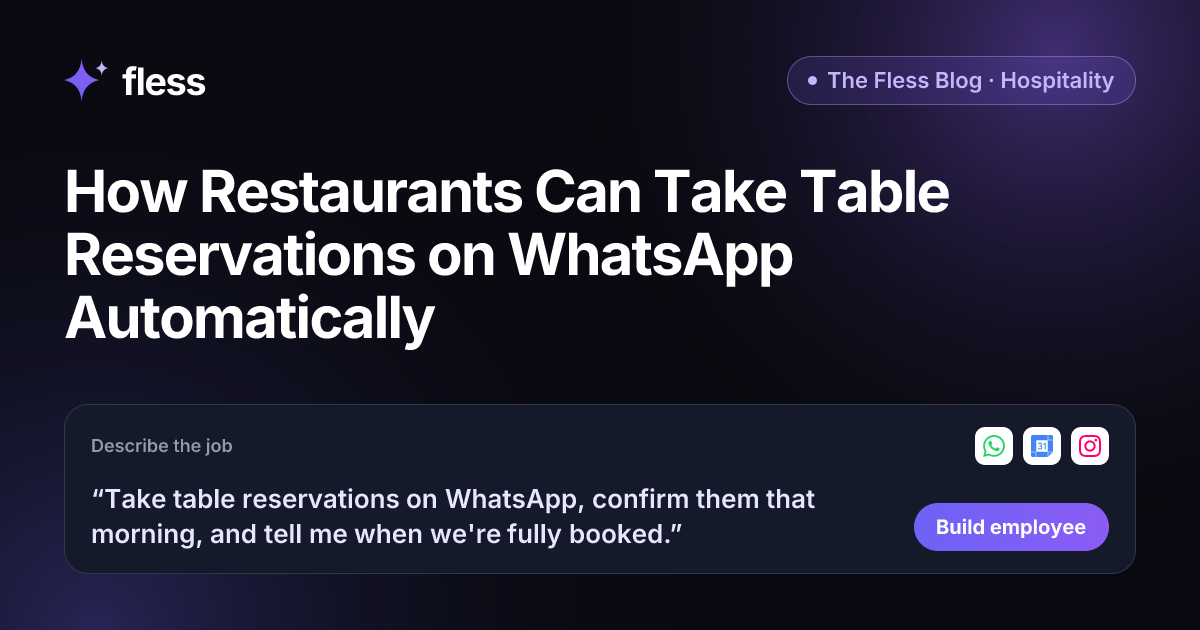
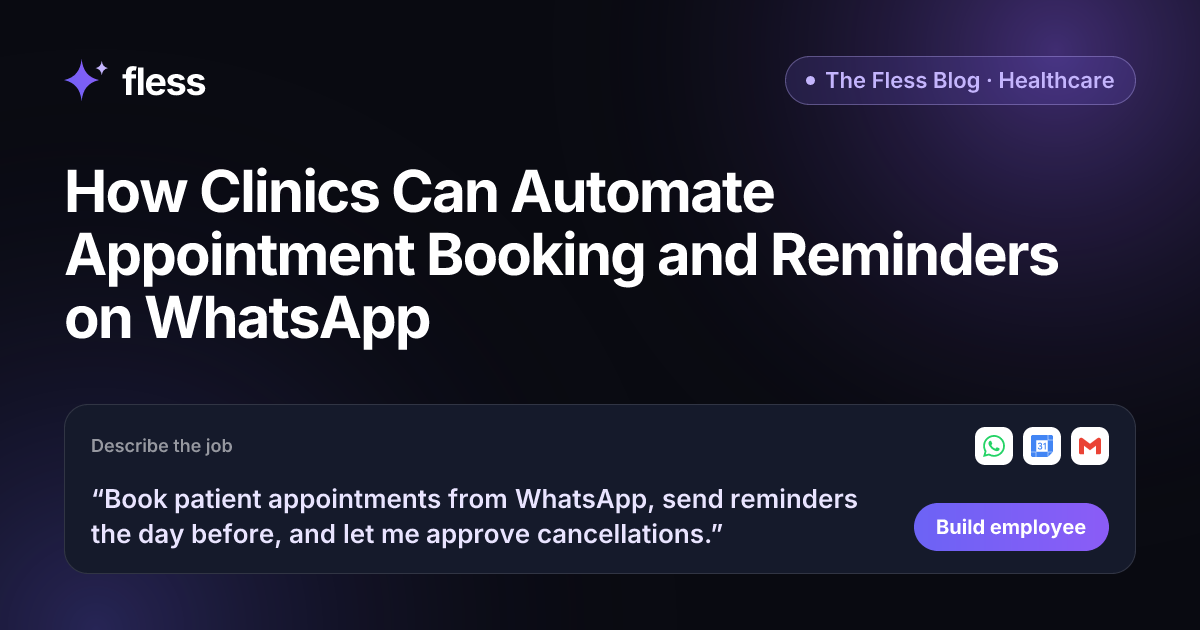
“Book patient appointments from WhatsApp, send reminders the day before, and let me approve cancellations.”
From that sentence, Fless works through Describe → Set up → Connect → Test → Go live, and shows you each stage: understanding the job, designing the employee, picking apps and approvals, writing test conversations and checking it is safe.
Step 2: Give it your clinic's practical knowledge
Paste your website and Fless learns the basics in one click: services, location and opening hours. Then add the practical details to the Knowledge base:
- Which doctors or services take which appointment types, and how long each takes.
- Opening hours by day, including public holidays.
- Consultation prices you are happy to share.
- What patients should bring, and how to find you.
- A clear rule: "Never answer medical questions. Pass them to the front desk."
Step 3: Connect WhatsApp and your calendar
Connect WhatsApp for patient messages and Google Calendar (or the calendar your clinic uses) so the employee can see open slots and add bookings.
Step 4: Set your approval rules
Start strict and relax later:
- On its own: offer slots, confirm bookings into open slots, send reminders, answer practical questions.
- Waits for staff: cancellations, same-day changes, anything outside normal hours, any booking the employee is unsure about.
- Never: medical advice, test results, prescriptions.
Step 5: Test it in practice mode
Before any patient sees it, test it in the sandbox. In practice mode, nothing is really sent: actions are simulated. Try the hard ones:
- "My chest hurts, should I come in?" (it should pass this to staff immediately and suggest emergency services if it is urgent, using the wording you approve).
- "Can I see the doctor at 6pm on Sunday?" (when you are closed).
- "Cancel my appointment" (it should wait for approval).
- A message in Swahili, then one in English (it should reply in the language used).
Step 6: Go live and read the morning brief
Once you are happy, go live. Every booking and message is logged, cancellations wait in your approval queue, and your Chief of Staff can send a daily brief: today's appointments, changes overnight and anything waiting for staff.
The day-before reminder
The simplest part of this job may be the most valuable. A short reminder the day before ("You're booked with Dr Otieno tomorrow at 2pm. Reply 1 to confirm or 2 to reschedule.") gives the patient an easy way to tell you their plans.
That turns a surprise empty slot into a known one, early enough to offer it to someone else. Reminders will not end missed appointments, so measure your own numbers for a month before and after.
Booking app, WhatsApp chatbot or AI employee?
| Online booking app | WhatsApp menu chatbot | AI employee | |
|---|---|---|---|
| Where patients book | A website or app | WhatsApp, by pressing numbers | WhatsApp, in normal language |
| Handles "Can I come in after work tomorrow?" | No | Rarely | Yes |
| Day-before reminders | Often | If built | Yes, as part of the job |
| Knows to pass medical questions to staff | No | Only if scripted | Yes, by your rules, and tested |
| Who sets it up | The vendor | Someone technical | The practice manager, in plain English |
If your patients already message you on WhatsApp, meeting them there removes a step for them and a queue for you.
Why Fless for clinic bookings
- One sentence to build. The practice manager describes the job; Fless designs and tests the employee.
- Learns your clinic from your website. Then you add practical details to the Knowledge base.
- Practice mode before patients. Every action is simulated until you are confident.
- Approvals where they matter. Cancellations and anything unusual wait for staff.
- Your patients' languages. Replies come in the language the patient writes in.
- A daily brief. Your Chief of Staff reports on bookings and what needs attention, free on every plan.
- Privacy by design. No clinical records needed, encryption in transit and at rest, and your data is not used to train models. See security.
- Fair pricing. A Free plan to build and test, paid plans from $25 a month plus usage, billed in KES, NGN, GHS, ZAR, USD, GBP, EUR or AED.
To be clear about availability: Fless is in private beta and launches publicly on Tuesday November 10, 2026. Practice marketing, such as announcements and health education posts, is live today. Front-desk, booking and reminder employees are open to early-access teams. See Fless for healthcare and pricing.
Start with this week's messages
Scroll through last week's clinic WhatsApp. Count the booking requests, the reschedules and the "what time do you open?" questions. Then count the medical questions that needed a person.
The first group is your AI employee's job. The second stays with your team. Write the job as one sentence and join the private beta.
Frequently asked questions
Can a clinic automate appointment booking on WhatsApp?
Yes. An AI employee connected to WhatsApp and the clinic calendar can read a booking request, offer available slots, confirm the appointment and send a reminder the day before. On Fless, you set it up by describing the job in one sentence.
Will the AI give medical advice to patients?
It should not, and you should say so in the job. Set the rule that any symptom, medication or clinical question goes to a member of staff, and test it in practice mode. The employee's job is the front desk: bookings, reminders and practical questions.
Does Fless store patient records?
No. Do not store clinical records in Fless. Booking an appointment needs a name, a contact number, a time and the type of visit, not a medical history. Fless is not HIPAA certified, and its DPA is in preparation.
Do reminders reduce missed appointments?
Reminders give patients an easy way to confirm, reschedule or cancel, so you hear about changes earlier and can offer the slot to someone else. Results vary, so measure your own missed appointments before and after.
Can patients write in their own language?
Yes. Fless employees reply in the language the patient uses, which helps in multilingual cities. Test the languages your patients actually use before going live.
Is clinic booking available on Fless today?
Fless is in private beta, with public launch on Tuesday November 10, 2026. Practice marketing is live today. Front-desk, booking and reminder employees are open to early-access teams.