Security
Human-in-the-Loop AI: Why Your AI Employee Should Ask Before It Acts
Human-in-the-loop AI approvals explained for small businesses: which actions should wait for a person, how to set limits, and how to relax them as trust grows.

· 5 min read
TL;DR
Human-in-the-loop AI means a person approves an AI's sensitive actions before they happen. For a small business, that usually means payments, refunds, cancellations, bulk messages, publishing and deletions wait for the owner, while routine work runs on its own. On Fless, you set these approvals in plain English, see every pending action in an approval queue, and loosen limits only when the activity log shows the employee has earned it.
Moji runs a small online homeware shop from London. Refund requests arrive every day: a chipped mug, a lamp in the wrong colour, a parcel that never came.
Most are simple. A few are not. Last month, one customer asked for a refund on an order that had already been refunded. Another asked for £340 back on a £34 order, a typo that would have been expensive if anyone, or anything, had acted on it without looking.
Moji wants help with refunds. Moji does not want to wake up to a £340 mistake.
That tension is exactly what human-in-the-loop AI approvals are for. Your AI employee does the work. You approve the actions that matter. This post explains which actions should wait for you, how to set limits, and how to relax them safely over time.
What "human in the loop" means
Human in the loop is a simple idea: a person stays in the decision path for actions that are sensitive, expensive or hard to undo.
The AI employee still does most of the job. It reads the request, checks the order, works out the right action and prepares it. Then, for the actions you choose, it stops and asks. You tap approve, edit, or reject. Only then does it act.
Think of it as the way you would treat a new hire in their first month. They do the work. They check with you before refunding £340.
Which actions should wait for you
A practical starting list for most small businesses:
| Action | Why it should wait (at first) |
|---|---|
| Payments and payment links | Money leaves or is requested in your name |
| Refunds over a limit | Expensive mistakes are hard to claw back |
| Discounts and price changes | They set expectations for every future customer |
| Cancellations | Hard to undo, and often emotional for the customer |
| Bulk messages | One mistake reaches everyone at once |
| Publishing posts | Public, permanent, and your brand's voice |
| Deletions | Gone is gone |
And what can usually run on its own: answering questions, collecting order details, booking into open slots, sending reminders and drafting replies.
Limits: the most useful approval rule
The best approval rules are not "always ask". They are limits. Moji's job sentence is a good example:
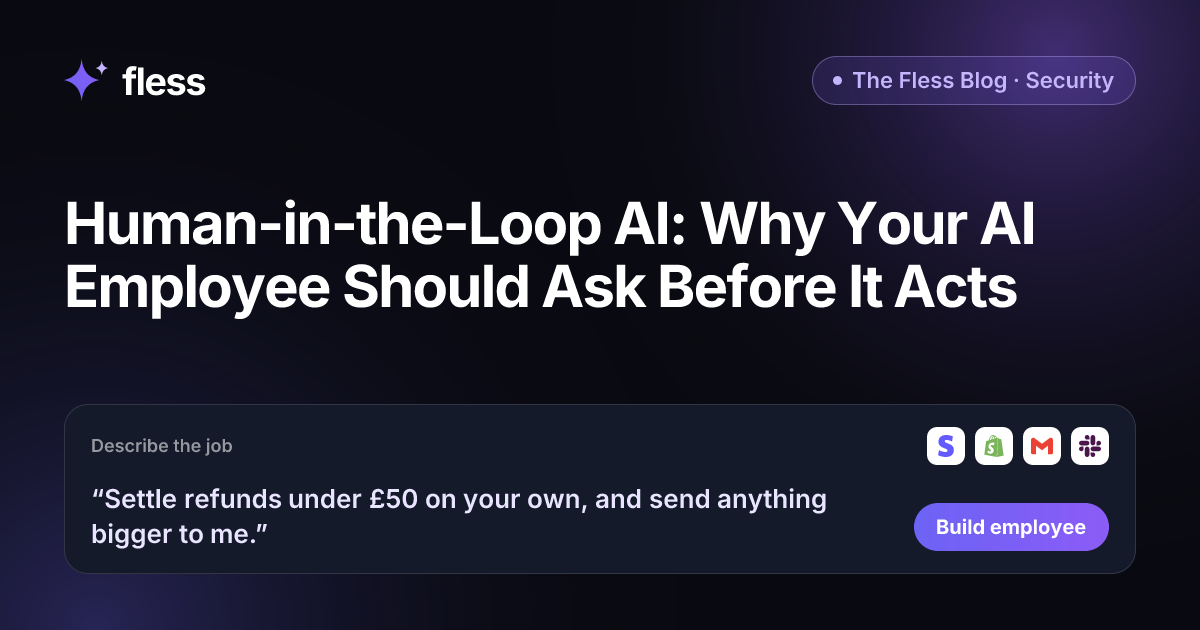
“Settle refunds under £50 on your own, and send anything bigger to me.”
That one sentence creates a clear line:
- Under £50: the employee checks the order and the policy, settles the refund and tells the customer.
- £50 or more: the employee prepares the refund with a summary and waits for Moji.
Small, routine refunds happen in minutes. Large or unusual ones get a human look. The £340 typo never goes through on its own.
How approvals work on Fless
Approvals are part of every Fless employee from the start:
- Rules in plain English. "Send anything bigger to me", "let me approve cancellations", "wait for my OK before publishing".
- An approval queue. Pending actions wait for a named approver, with the context needed to decide quickly.
- Separate permissions. Building, approving and publishing are different permissions, enforced on the server, so the person who builds an employee is not automatically the person who approves its payments.
- A full activity log. Every action is recorded with who or what triggered it, and owners can export the log.
- Practice mode first. Before going live, test the rules in the sandbox, where nothing is really sent and actions are simulated. Try requests just under and just over each limit.
You can read more on our security page.
What a good approval request looks like
An approval is only useful if you can decide in seconds. A good request from your AI employee includes:
- The action: "Refund £72.00 to order #4381."
- The reason: "Customer reports the lamp arrived broken; photo attached."
- The check it ran: "Order delivered 3 days ago; within the 30-day policy; no previous refund."
- The options: approve, edit the amount, or reject with a reply.
If an approval request makes you open three other apps to decide, tell the employee what to include next time. Good approvals are fast approvals.
How to relax approvals safely
Approvals should not stay maximal forever, or you become the bottleneck again. Earn trust in steps:
- Week 1: approve everything sensitive. Watch what the employee prepares. Is it right?
- Weeks 2–3: read the log. How many approvals did you change or reject? If almost none, the employee understands the job.
- Raise one limit. For example, refunds under £20 become refunds under £50.
- Keep the hard lines. Bulk messages, deletions and large payments usually stay with a person for good.
- Review monthly. Your Chief of Staff's daily brief and the activity log show what happened. Adjust if anything surprises you.
Common mistakes with AI approvals
- No approvals at all. Fast until the first expensive mistake.
- Approvals on everything. Safe, but you have rebuilt the inbox you were trying to escape.
- Vague rules. "Be careful with refunds" is not a rule. "Refunds under £50" is.
- Approving without reading. If you tap approve on autopilot, the approval is not doing its job. Make the summary short enough to read.
- One approver for everything. If the only approver is on holiday, the queue stops. Name a second approver for money and cancellations.
- Never testing the edges. Test £49.99 and £50.01 in practice mode before customers do it for you.
Chatbots, automations and AI employees: who asks first?
| Chatbot | Workflow automation | AI employee on Fless | |
|---|---|---|---|
| Takes real actions | Rarely | Yes, as drawn | Yes, through connected apps |
| Asks before sensitive actions | Not applicable | Only if you build a step for it | Yes, by your rules |
| Limits ("under £50") | No | If you add branches | In plain English |
| Activity log | Chat history | Run history | Every action, exportable |
| Testing before launch | Limited | Test runs | Practice mode with simulated actions |
Why Fless for safe AI employees
- Approvals by default. Sensitive actions can wait for your OK from day one.
- Limits in plain English. Write the rule the way you would say it.
- Practice mode and checks before launch. Every action is simulated until you are ready.
- Separate permissions and SSO. Role-based access, with single sign-on on the Business plan.
- Every action on record. An activity log owners can export.
- Your data stays yours. We do not train models on your data. NDPR and GDPR aligned.
- A Chief of Staff. Daily briefs on what each employee did and what needs you, free on every plan.
- Fair pricing. A Free plan to build and test, and paid plans from $39 a month plus usage, billed in GBP, EUR, USD, NGN, KES, GHS, ZAR or AED.
Fless is in beta, with public launch on Tuesday November 10, 2026. You can build an employee for any job today, in any department. See security and pricing.
Write your approval rules today
Before building any AI employee, write two short lists for the job:
- It can do on its own: the routine actions.
- It must ask me first: the money, the public, the irreversible.
Add one limit with a number in it. Then write the job as one sentence and start using Fless. Your AI employee does the work; you keep the final say where it counts.
Frequently asked questions
What does human in the loop mean for AI?
It means a person reviews and approves certain AI actions before they take effect. The AI does the preparation (drafting the refund, the payment link or the post), and a person makes the final call on anything sensitive.
Which AI actions should need approval?
Anything involving money (payments, refunds, payment links, discounts), anything hard to undo (cancellations, deletions), anything sent to many people at once (bulk messages), and anything public (publishing posts). Start with these, then adjust.
Won't approvals slow everything down?
Only for the actions that need them. Routine work, such as answering questions and taking orders, runs on its own. Approvals are usually one tap, and you can raise limits over time, for example from refunds under £20 to refunds under £50.
How does Fless handle approvals?
You set approval rules in plain English, such as "send anything bigger to me". Sensitive actions wait in an approval queue for a named approver. Building, approving and publishing are separate permissions, and every action is recorded in an activity log that owners can export.
Can I see what my AI employee did without approval?
Yes. On Fless, every action is logged with who or what triggered it. Your Chief of Staff can also include a summary in your daily brief.
Is Fless available now?
Yes. Fless is in beta, with public launch on Tuesday November 10, 2026, and you can describe and build this employee today, like any other job.